An employee watching in a quiet office, a user with hearing loss, a colleague who speaks the language as a second language… Accessibility is not an extra; it measures whether content reaches everyone.
When preparing training content, we usually imagine one viewer: at a desk, headphones on, fully focused. Real viewers are far more varied: employees watching muted in an open office, people with hearing loss, field staff checking on a phone, colleagues for whom the content's language is not their first. If content does not reach them, the training has not done its job — even if records show it as completed.
Subtitles are not only for people with hearing loss
Subtitles make content usable anywhere sound can't be turned on. Seeing how a new term is spelled also makes narration easier to follow. But subtitles only help when they are fully synchronized with the narration. Subtitles typed by hand and placed roughly leave viewers stuck between text and voice.
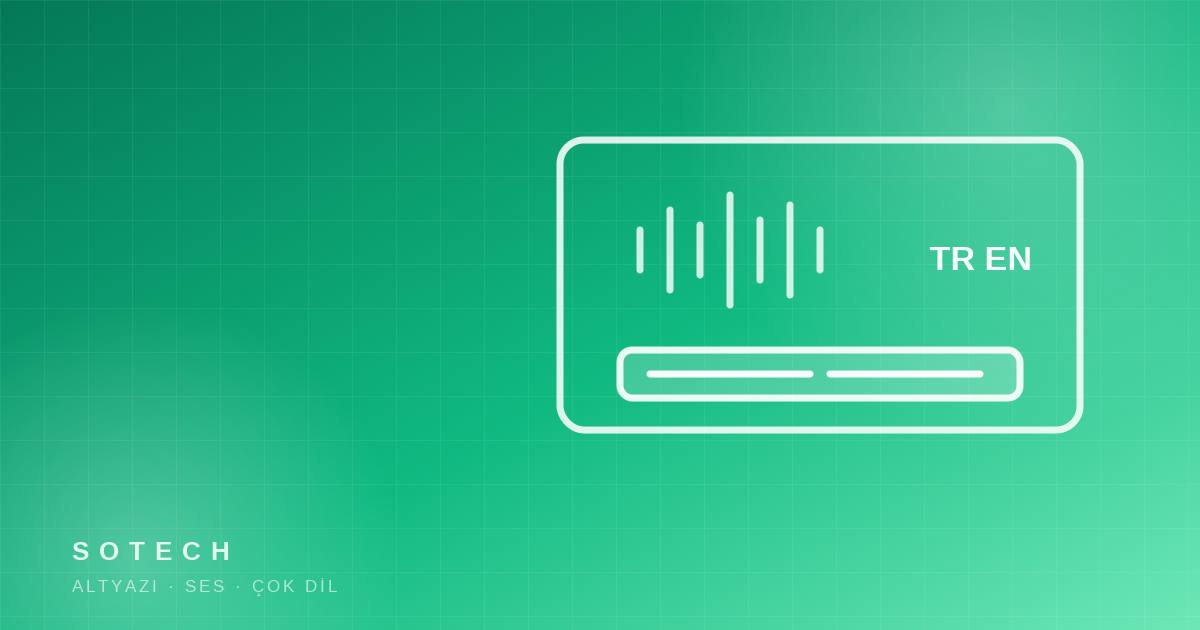
If the start and end time of every word can be captured while generating the voiceover, subtitles are produced from that timing automatically and accurately. The same timing lets on-screen points appear in step with the narration. When the narration text changes, the subtitles update with it.
Narration: clarity, pace, consistency
- Speaking pace should match the density of the content; slower is better for technical topics.
- Keep the same narrator voice through a piece; a voice change should signal a meaningful section break.
- Using a consistent voice identity across all of an organization's training makes content recognizable.
- Female and male voice options should be weighed against the target audience.
Screen design is part of accessibility too
Low-contrast text, small type and crowded scenes push viewers with visual impairments away. When corporate colors are carried into training content, the contrast threshold for legibility must be kept; if a brand color is too weak as a text background, its tone should be adjusted. One idea and a few short points per scene make reading easier.
Multilingual delivery: re-telling, not just translating
Multinational teams and sites with foreign staff need content in more than one language. Translating text and adding subtitles may not be enough; narration has to be voiced in that language, timing recalculated and on-screen points translated as well. A good production environment does this while keeping the same scene structure.
Accessible content, designed for the viewer in the hardest conditions, ends up better for everyone.
A short checklist
- Are there subtitles, synchronized with narration at word level?
- Is the content understandable with sound off?
- Is there enough contrast between text and background?
- Is text legible on a phone screen?
- Are both narration and subtitles available in the languages you need?
Sotech Studio generates narration with word timing; Turkish and English subtitles and the synchronized appearance of on-screen elements come from that timing. Content can be narrated in Turkish, English, German, French and Spanish, and the brand style generator corrects the palette extracted from your logo to meet contrast thresholds. Let's try it on your own content.
Let's plan this transformation together
We can bring what we covered in this article to life for your organization. Tell us your needs and we'll draw up a roadmap tailored to you.