Producing training content in one tool and carrying it into the LMS by hand means version confusion, lost scores and outdated courses. Ways to connect the two systems, and what to watch for.
In many organizations, training content and the learning management system (LMS) live in two separate worlds. Content is prepared in one tool, exported, dropped into a folder, and then someone uploads it to the LMS. Three things are often lost in that hand-off: which version is live, the learner's score, and the fact that the content was updated.
There are two basic ways to connect an authoring tool to an LMS. Which one fits depends on the organization's content volume and how often content changes.
Route one: transfer via a SCORM package
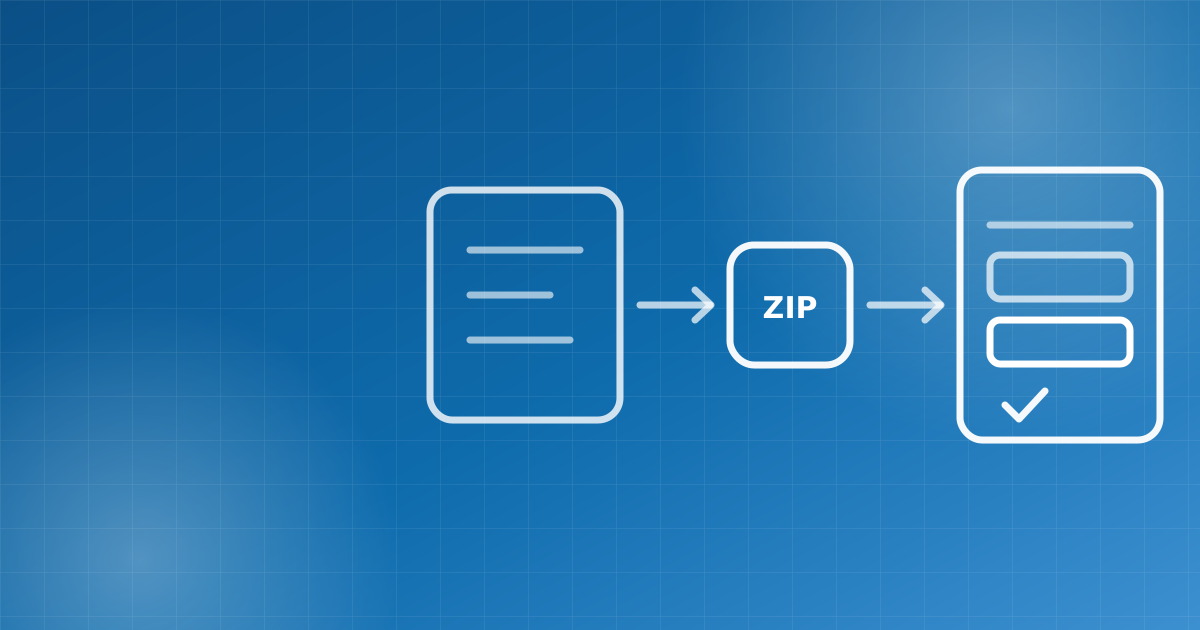
Approved content is exported as a SCORM 1.2 or SCORM 2004 package and added to a course in the LMS as a content item. The package opens in the LMS player; score, answers, progress and the resume point are recorded on the learner's record. This route needs no special connection between the two systems, which makes it the fastest way to start.
The point to watch is whether the package is truly self-contained inside the LMS. If it makes requests to external addresses at runtime (for example to font servers), it may render incorrectly or not open at all in LMSs with strict security policies. Before going live, test the package end to end in the LMS: upload, playback, suspend and resume, and score recording.
Route two: importing from a catalog
As content volume grows, moving files is not enough. The LMS should be able to search content published in the authoring tool from its own screens; the selected package should be fetched server to server, its integrity verified and saved as course content. When its source and version are stored alongside it, it is always clear which course uses which published version.
- Every publication should be frozen as a separate version; edits after publishing should never change an earlier version.
- Licensing and LMS distribution permission should be configurable per content item; only permitted content should appear in the catalog.
- The integration account should work with read-only access, and every package request should be written to the audit log.
- When content is updated, the LMS should notify administrators; the organization should decide when the update goes into the course.
Pass requirements and topic locking
Quizzes in interactive content come with a passing threshold. When the LMS can tie that threshold to topic locking, the next section stays locked until the learner passes. The assessment designed by the content team becomes part of the instructional sequence, with no separate exam to set up.
Every manual hand-off between content production and learning management is a risk of a version mistake or a lost score.
Checklist
- Does your authoring tool produce SCORM 1.2 and 2004 packages? Does the package make external requests at runtime?
- Does your LMS record score, answers and resume point? Can it tie a pass requirement to topic locking?
- Is there an integration between the two systems with a catalog, versions and integrity checks?
- Can licensing and distribution permission be set per content item?
- Who is notified, and how, when content is updated?
If you would like to plan the flow between content production and learning management in your organization, get in touch.
Let's plan this transformation together
We can bring what we covered in this article to life for your organization. Tell us your needs and we'll draw up a roadmap tailored to you.